Introduction
Most realtor teams do not lose deals because they lack contacts. They lose deals because follow-up systems break under real workload.
Leads arrive from multiple channels, ownership is unclear, and tasks get buried. A CRM can store activity, but storage alone does not create conversion.
That is why choosing the right ai crm tools real estate teams can actually operate is a high-impact decision.
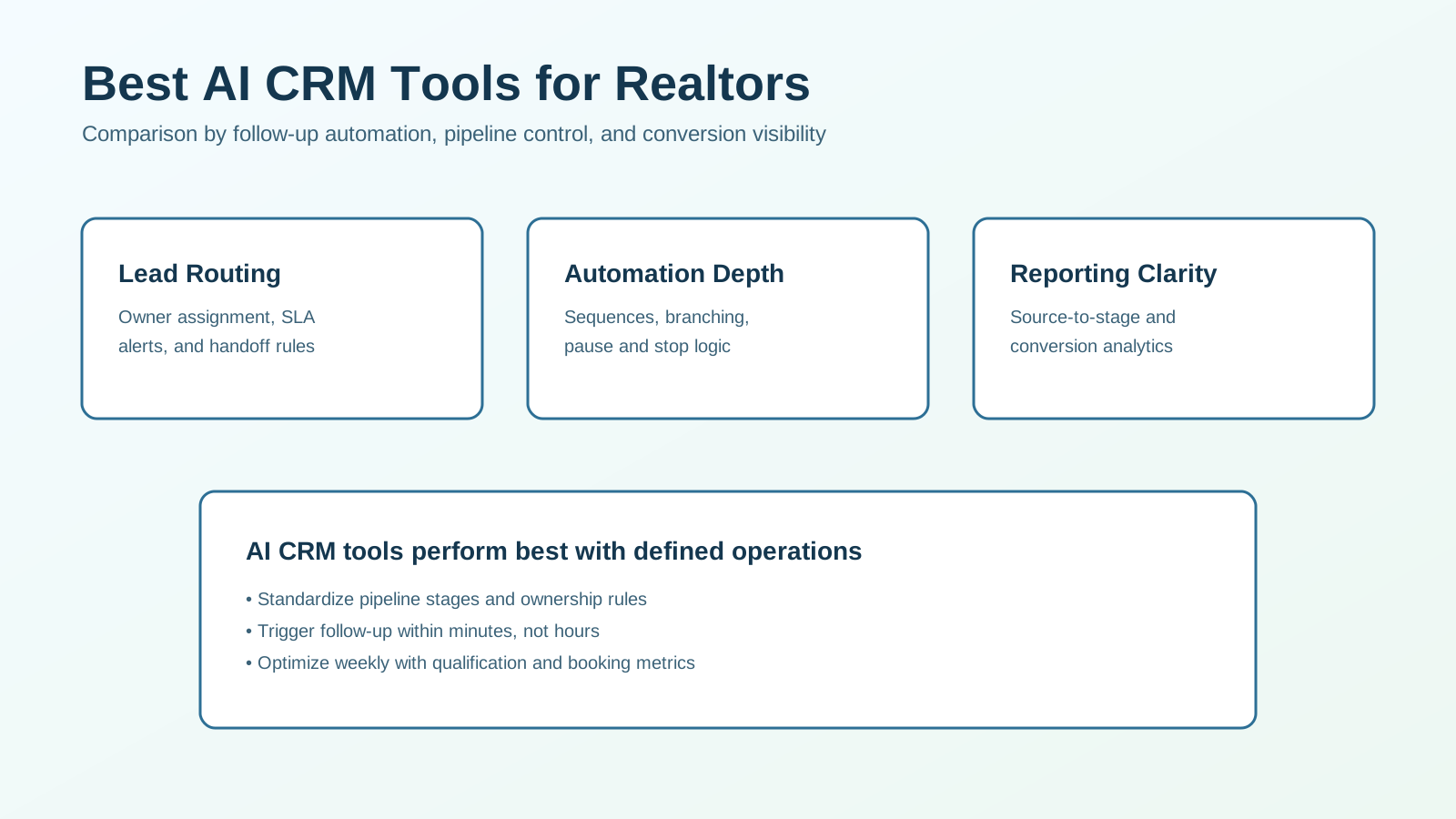
This comparison focuses on practical CRM AI capabilities that improve speed, consistency, and pipeline outcomes. If you are evaluating crm ai real estate tools for commercial implementation, this guide is built for that use case.
If you want to clarify the system before comparing software, start with Real Estate CRM Automation for the operating-model overview.
What This Comparison Evaluates
This article compares AI CRM tools across the core execution layers that drive results:
- lead capture and intake normalization,
- routing and ownership automation,
- follow-up sequencing and branch logic,
- qualification and stage progression,
- reporting and optimization workflows.
The goal is to help you choose by operational fit, not by largest feature list.
Fast Recommendation (If You Need a Quick Call)
For most teams, prioritize this sequence:
- CRM with strong native automation and task routing,
- clear stage definitions and SLA rules,
- weekly reporting tied to qualification and booking rates.
A tool with moderate AI features but strong execution reliability usually outperforms a feature-rich platform with weak adoption.
Evaluation Criteria That Predict ROI
1. Routing Reliability
Can the system assign ownership instantly and consistently by source, area, or lead type?
2. Automation Control
Can you configure practical triggers, stop conditions, and handoff rules without fragile workarounds?
3. Qualification Workflow Fit
Can the CRM support readiness checks and stage movement logic that reflects your actual pipeline?
4. Team Usability
Can agents and coordinators run the workflow daily without heavy admin burden?
5. Reporting Quality
Can leadership see source-to-stage conversion clearly enough to optimize process and budget?
6. Cost per Qualified Opportunity
Does the platform reduce operational waste and improve qualified conversations relative to cost?
CRM AI Tool Categories and Tradeoffs
| Category | Best for | Main tradeoff |
|---|---|---|
| CRM-native AI automation | End-to-end follow-up and stage movement in one system | Advanced customization may be limited in some platforms |
| CRM + external automation stack | Flexible cross-tool workflows and integrations | Higher setup and maintenance complexity |
| Team-focused real estate CRMs with AI features | Realtor-specific workflows and faster onboarding | May need additional tools for advanced analytics |
| Enterprise CRM with AI add-ons | Deep customization and large-team governance | Longer implementation and higher admin overhead |
Most small and mid-size teams win with simpler systems that are consistently used.
Side-by-Side Scorecard for Trials
Use this 2-4 week pilot scorecard.
| Criteria | Strong (5) | Acceptable (3) | Weak (1) |
|---|---|---|---|
| Speed-to-lead automation | First-touch triggers within minutes with SLA alerts | Same-day response but inconsistent timing | Delayed and mostly manual follow-up |
| Ownership clarity | Lead owner and backup rules always clear | Occasional reassignment confusion | Frequent ambiguity and missed handoffs |
| Branch logic quality | Clear hot/warm/long-term paths with stop rules | Basic sequences only | Limited branching and no reliable pauses |
| Agent usability | Daily workflow is simple and adopted | Some friction but workable | Low adoption and heavy workaround usage |
| Reporting usefulness | Source-to-conversion visibility for decision-making | Partial visibility with manual analysis | Fragmented metrics and weak attribution |
Do not choose based on demo polish alone. Choose by repeatable execution.
Deep Dive: What Matters Most in Real Estate CRM AI
1. Lead Intake and Normalization
Best systems standardize required fields and source tags from day one.
Prioritize:
- contact data quality controls,
- duplicate handling,
- source/campaign normalization.
Bad intake quality creates downstream routing and reporting errors.
2. Routing and Ownership Automation
Routing should assign responsibility immediately.
Prioritize:
- assignment by geography or specialty,
- workload-based distribution rules,
- backup owner logic for missed tasks.
If ownership is not explicit, follow-up delay is guaranteed.
3. Follow-Up Sequencing and Stop Rules
AI-assisted sequencing is useful only when it respects behavior.
Prioritize:
- immediate first-touch actions,
- short qualification sequences,
- automatic pause on reply or booking.
Without stop logic, automation causes message overlap and trust loss.
4. Qualification and Stage Progression
A CRM must move leads through meaningful stages, not generic labels.
Prioritize:
- clear stage definitions,
- event-based movement triggers,
- qualification criteria that agents trust.
Pipeline clarity improves both manager visibility and agent execution.
5. Reporting and Optimization Loops
Reporting should support weekly process decisions.
Prioritize:
- conversion by source and segment,
- time-based SLA adherence,
- bottleneck visibility between stages.
If your reports cannot explain where leads stall, optimization is guesswork.
Cost and Implementation Reality
Typical cost pattern:
- low-medium: simpler realtor-focused CRM platforms,
- medium: robust CRM-native automation suites,
- medium-high: enterprise tools with advanced AI modules.
Implementation effort depends less on software tier and more on process clarity.
Teams that define stages, templates, and SLA rules before setup usually launch faster and see cleaner early results.
Common Buying Mistakes
Mistake 1: Choosing by Feature Volume
Fix: evaluate whether daily workflow execution improves for real users.
Mistake 2: Ignoring Ownership Rules
Fix: define assignment and escalation logic before activating automations.
Mistake 3: Overbuilding the First Version
Fix: start with essential flows, then expand based on data.
Mistake 4: Tracking Activity Instead of Outcomes
Fix: measure qualification rate, consultation rate, and source-to-client conversion.
90-Day Rollout Blueprint
Phase 1 (Weeks 1-3): Foundation
- define pipeline stages,
- configure core routing and first-touch automations,
- set SLA targets and alert rules.
Phase 2 (Weeks 4-8): Qualification and Handoff
- launch branch logic by readiness,
- implement stop-rules on reply and booking,
- audit handoff quality weekly.
Phase 3 (Weeks 9-12): Optimization
- tune templates and timing by response data,
- refine routing thresholds,
- optimize by source-level conversion outcomes.
This sequence improves adoption while controlling risk.
KPI Dashboard to Run Weekly
Track these indicators:
- median speed-to-lead,
- percentage of leads contacted within SLA,
- qualification rate by source,
- consultation booking rate,
- conversion by stage,
- cost per qualified opportunity.
If these metrics are not available, your CRM stack is not yet decision-ready.
Implementation Checklist Before You Buy
Use this short checklist during final selection so the platform decision matches your operating reality.
- map your current pipeline stages and define exact stage-entry criteria
- document lead ownership rules by source, geography, and availability
- define response-time SLAs for hot, warm, and long-term leads
- prepare approved first-touch and follow-up templates by segment
- confirm required integrations (forms, email, SMS, calendar, reporting)
- test stop-logic when leads reply or book calls
- run a 14-day pilot with live leads and weekly KPI review
If a vendor cannot support these basics without heavy customization, implementation risk rises quickly.
Decision Framework by Team Profile
Solo Agent
Best fit:
- straightforward CRM with automation templates,
- low admin overhead,
- clear mobile task workflow.
Goal: faster follow-up with minimal complexity.
Small Team (2-10 Agents)
Best fit:
- shared stage rules,
- centralized automation governance,
- source-level reporting cadence.
Goal: consistent execution across multiple users.
Growth Team (10+ Agents)
Best fit:
- advanced role-based routing,
- stricter workflow controls,
- robust analytics and QA processes.
Goal: scale without conversion leakage.
Frequently Asked Questions
What are the best AI CRM tools for realtors?
The strongest options combine fast routing, practical automation control, and reporting that connects activity to conversion.
How do I compare CRM AI real estate tools quickly?
Run a structured pilot and score routing reliability, adoption ease, branch logic quality, and reporting utility.
Do AI CRM tools work for small teams?
Yes, especially when small teams need consistent speed-to-lead and reduced manual follow-up effort.
What should we prioritize first after purchase?
Set stage definitions, ownership rules, and core SLA automations before expanding advanced features.
Final Recommendation
For most realtor teams, the best CRM AI choice is the one that improves operational consistency first.
Start with:
- reliable lead routing,
- simple follow-up automation with stop rules,
- stage-based qualification tracking,
- weekly source-to-conversion reporting.
Then expand only after those fundamentals produce measurable gains.
If you want affiliate tool recommendations based on your team size and CRM maturity, use our affiliate picks and we can map a shortlist for your workflow.