Introduction
Most realtor social media problems are not about creativity. They are about consistency.
Agents run out of time, content calendars break, and posts become reactive. Even when engagement rises, lead follow-up is often disconnected from CRM workflow.
That is why evaluating ai social media tools real estate teams can execute consistently is now a commercial priority.
This comparison guide reviews the best ai social media realtor tools by operational fit, not just visual polish or template volume.
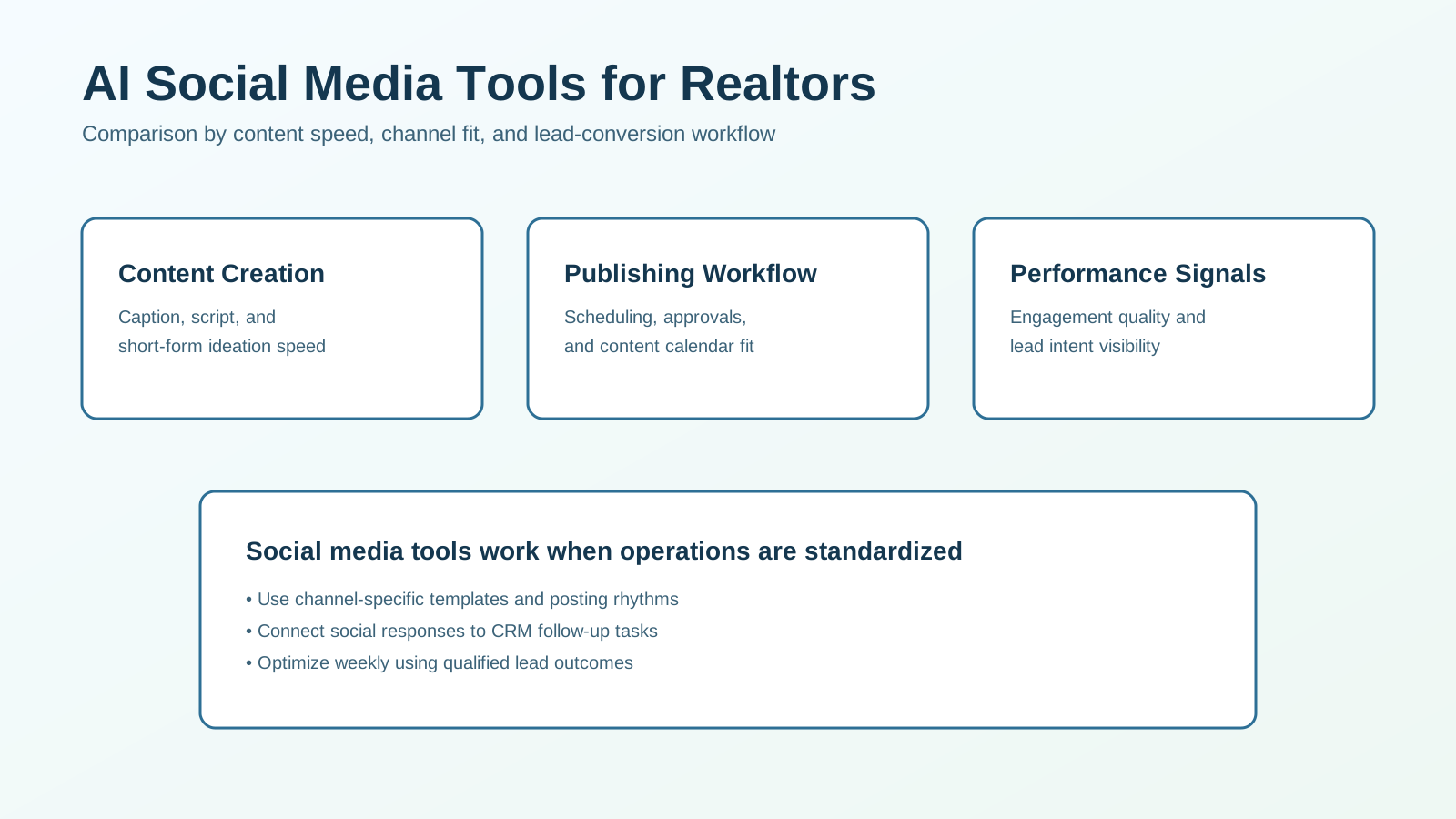
What This Comparison Covers
This article evaluates tools across five practical social workflow layers:
- content ideation and copy generation,
- creative production and repurposing,
- scheduling and collaboration workflows,
- engagement handling and lead handoff,
- analytics tied to qualified opportunities.
The objective is to help you build a stack that drives pipeline outcomes, not vanity metrics.
Quick Recommendation (If You Need a Fast Decision)
For most realtor teams, the best starting stack includes:
- one AI content creation layer,
- one scheduling and approval layer,
- one CRM handoff workflow for social leads.
If social activity is not connected to follow-up ownership, output increases without reliable ROI.
Evaluation Criteria That Predict Results
1. Channel Fit
Does the tool support your actual channels and formats (Instagram, Facebook, YouTube Shorts, LinkedIn)?
2. Content Quality and Brand Consistency
Can outputs match your voice and market positioning with minimal rewriting?
3. Production and Publishing Speed
Does the tool reduce time from idea to scheduled post?
4. Workflow Integration
Can responses and lead intent signals route into CRM tasks and stages?
5. Reporting Usefulness
Can you identify which content themes create qualified conversations?
6. Cost per Qualified Social Lead
Evaluate value using qualified outcomes, not only views and likes.
Social AI Tool Categories and Tradeoffs
| Tool category | Best for | Main tradeoff |
|---|---|---|
| AI caption/script generators | Fast post drafting and idea expansion | Needs strong prompts and voice templates |
| Creative design and video AI tools | Rapid visual and short-video production | Quality varies by template and source assets |
| Scheduling and collaboration platforms | Content calendar consistency and approvals | Integration depth with CRM may be limited |
| Engagement automation and inbox tools | Faster response handling and triage | Risk of generic replies if not configured well |
| Social analytics and attribution tools | Performance insights and content optimization | Requires disciplined tagging and tracking setup |
Most teams need a layered stack, not one tool for everything.
Category Deep Dive
1. AI Content Ideation and Copy Tools
Best use case:
- teams struggling to post consistently,
- agents who need fast first drafts for recurring topics.
What to prioritize:
- prompt libraries by persona and listing type,
- reusable hooks and CTA frameworks,
- easy repurposing from one idea to multiple formats.
Watch-out:
- repetitive wording across posts,
- outputs that lack local specificity.
2. Creative and Video Production AI Tools
Best use case:
- teams running visual-first channels,
- agents creating short-form property and neighborhood content.
What to prioritize:
- template quality for listing showcases,
- quick resizing across channel formats,
- batch creation workflows.
Watch-out:
- inconsistent look and feel without a design system,
- over-automated visuals that feel generic.
3. Scheduling and Collaboration Platforms
Best use case:
- teams with multiple contributors,
- teams needing predictable cadence and approvals.
What to prioritize:
- calendar visibility,
- role-based approvals,
- easy version management.
Watch-out:
- manual handoffs between drafting and publishing,
- lack of feedback loop to content creators.
4. Engagement and Lead Handoff Tools
Best use case:
- teams receiving high DM/comment volume,
- teams needing faster follow-up from social channels.
What to prioritize:
- response triage by intent,
- lead capture tagging,
- CRM task creation triggers.
Watch-out:
- generic auto-replies that reduce trust,
- no ownership rules for high-intent responses.
5. Social Analytics and Attribution Layers
Best use case:
- teams spending heavily on social campaigns,
- teams optimizing creative themes monthly.
What to prioritize:
- source/campaign tagging consistency,
- content-to-lead traceability,
- theme-level performance reporting.
Watch-out:
- dashboards focused only on engagement,
- weak linkage to qualification and booking outcomes.
Side-by-Side Scorecard for Tool Trials
Use this scorecard in a 30-day pilot.
| Criteria | Strong (5) | Acceptable (3) | Weak (1) |
|---|---|---|---|
| Content throughput | Weekly schedule built with low rework | Moderate manual effort remains | Inconsistent posting and heavy editing |
| Brand consistency | Voice and visual style remain coherent | Some drift but manageable | Frequent inconsistency across channels |
| Publishing reliability | Calendar execution is predictable | Occasional misses | Repeated delays and workflow confusion |
| Lead handoff quality | Social responses route to CRM quickly | Partial routing with manual cleanup | No reliable conversion handoff |
| Reporting actionability | Clear insights tied to lead outcomes | Partial channel-level metrics | No useful optimization data |
Pick tools that improve operational reliability, not just creative novelty.
Cost and ROI Reality
Typical cost pattern:
- low-medium: content and caption generation tools,
- medium: creative suites and scheduling platforms,
- medium-high: integrated engagement + attribution stacks.
ROI usually appears first in:
- reduced content production time,
- improved posting consistency,
- faster social lead follow-up.
If reach rises but qualified leads do not, your workflow bridge to CRM is likely weak.
Common Buying Mistakes
Mistake 1: Optimizing for Views Only
Fix: tie reporting to qualified social conversations and consultation outcomes.
Mistake 2: No Channel-Specific Content Standards
Fix: define templates by channel goal and audience intent.
Mistake 3: Ignoring Lead Handoff from Social
Fix: route high-intent responses to CRM tasks with ownership and SLA rules.
Mistake 4: Adding Too Many Tools at Once
Fix: start with one core stack, then expand after measurable wins.
90-Day Social Stack Rollout Plan
Phase 1 (Weeks 1-3): Foundation
- define content pillars and channel cadence,
- create prompt/template libraries,
- set baseline social-to-lead KPIs.
Phase 2 (Weeks 4-8): Workflow Integration
- launch scheduling and approval workflow,
- connect social response capture to CRM,
- establish ownership and follow-up SLA rules.
Phase 3 (Weeks 9-12): Optimization
- test creative and CTA variants,
- reallocate effort by content theme performance,
- optimize for qualified lead outcomes.
This phased rollout reduces tool sprawl and improves adoption.
Weekly KPI Dashboard
Track:
- content production cycle time,
- posting consistency rate,
- response time to social inquiries,
- qualified social lead rate,
- consultation bookings from social leads,
- cost per qualified social lead.
These metrics support practical tool decisions and budget optimization.
Decision Framework by Team Stage
Solo Agent
Start with:
- one content generation tool,
- one scheduling workflow,
- one simple CRM handoff rule.
Goal: maintain consistent posting without operational overload.
Small Team (2-10 Agents)
Start with:
- shared template and approval standards,
- engagement-to-CRM routing,
- weekly content performance review.
Goal: consistency, accountability, and faster follow-up.
Growth Team (10+ Agents)
Start with:
- multi-role collaboration workflows,
- structured governance for outputs,
- attribution-linked content planning.
Goal: scale social output without conversion leakage.
Frequently Asked Questions
What are the best AI social media tools for real estate agents?
The best stack combines fast content creation, reliable scheduling, and clear social-to-CRM lead handoff.
Which tools show ROI fastest?
Tools that improve production speed and posting consistency usually create early measurable gains.
Should realtors choose all-in-one platforms first?
Usually not. Modular stacks with clear ownership are easier to implement and optimize early.
What should teams track in the first 90 days?
Track throughput, posting consistency, social lead quality, and consultation outcomes.
Final Recommendation
For most realtor teams, the best social AI stack is the one that turns consistent content output into qualified conversations.
Start with:
- structured AI content workflows,
- dependable scheduling and approvals,
- CRM-connected social lead handoff,
- weekly optimization by qualified outcome metrics.
If you want affiliate tool recommendations tailored to your channel mix and team model, use our tool affiliate picks and we can map a practical social stack shortlist.